


How does available Quick Start-Up work in my car?
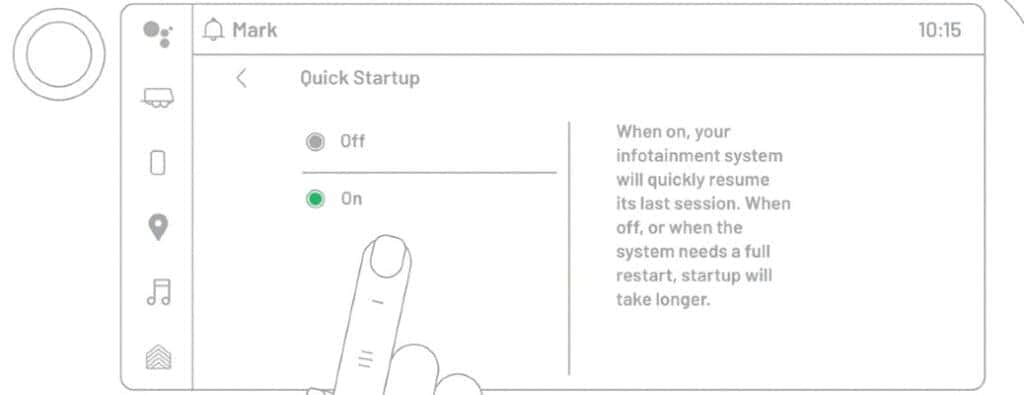
Load your car apps faster with the available Quick Start-Up
Have you ever had an issue with slow-loading apps in your vehicle? You can load your car apps faster with Quick Start-Up in your Chevy. How does available Quick Start-Up work in your car? Keep reading below with Carl Black Orlando to learn more about this convenient technology.
How to Quick Start-Up with Google Built-In | Chevrolet
This video guide shows you how easy it is to use Quick Start-Up with Google Built-In. The convenience of this feature means that you can get where you want to go faster with pre-loaded map applications from your last drive.
What are the benefits of using Quick Start-Up to load your apps?
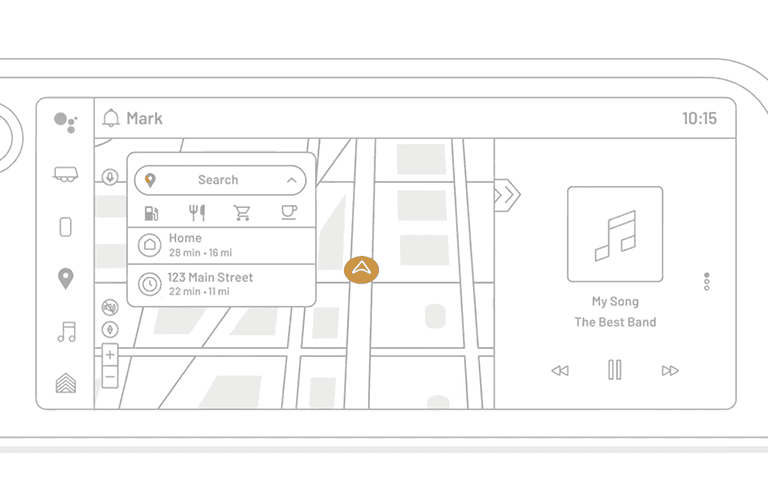
Quick Start-Up helps you leave faster. When you turn your car on, your maps app and music are already loaded if that’s what you used last, so you don’t have to wait around to get directions and your favorite tunes. The benefits of Quick Start-Up are saving time and experiencing less frustration with loading.
Which vehicles offer Quick Start-Up for their infotainment systems?
Chevrolet vehicles from newer model years will offer Quick Start-Up. If you have a 2022 or newer Chevrolet model, you can enjoy this modern amenity. If your car is older, it may be time for an upgrade.
How to turn Quick Start-Up off in your Chevy
Maybe Quick Start-Up isn’t for you, and that’s ok too. If you want to turn off this feature, put your car in Park and go to “Settings” on the infotainment system. Scroll to “System,” then “Quick Start-Up,” and then toggle it to “Off.” You can also follow these steps to turn Quick Start-Up back on if you change your mind.
GMC Super CruiseChevy navigation system
0 comment(s) so far on How does available Quick Start-Up work in my car?